
Guide vidéo de voyage
Utiliser des cartes animées dans vos vidéos de voyage sur YouTube, Instagram et TikTok
Une méthode pratique pour transformer un itinéraire en carte animée claire pour YouTube, Instagram Reels, TikTok et les vlogs.
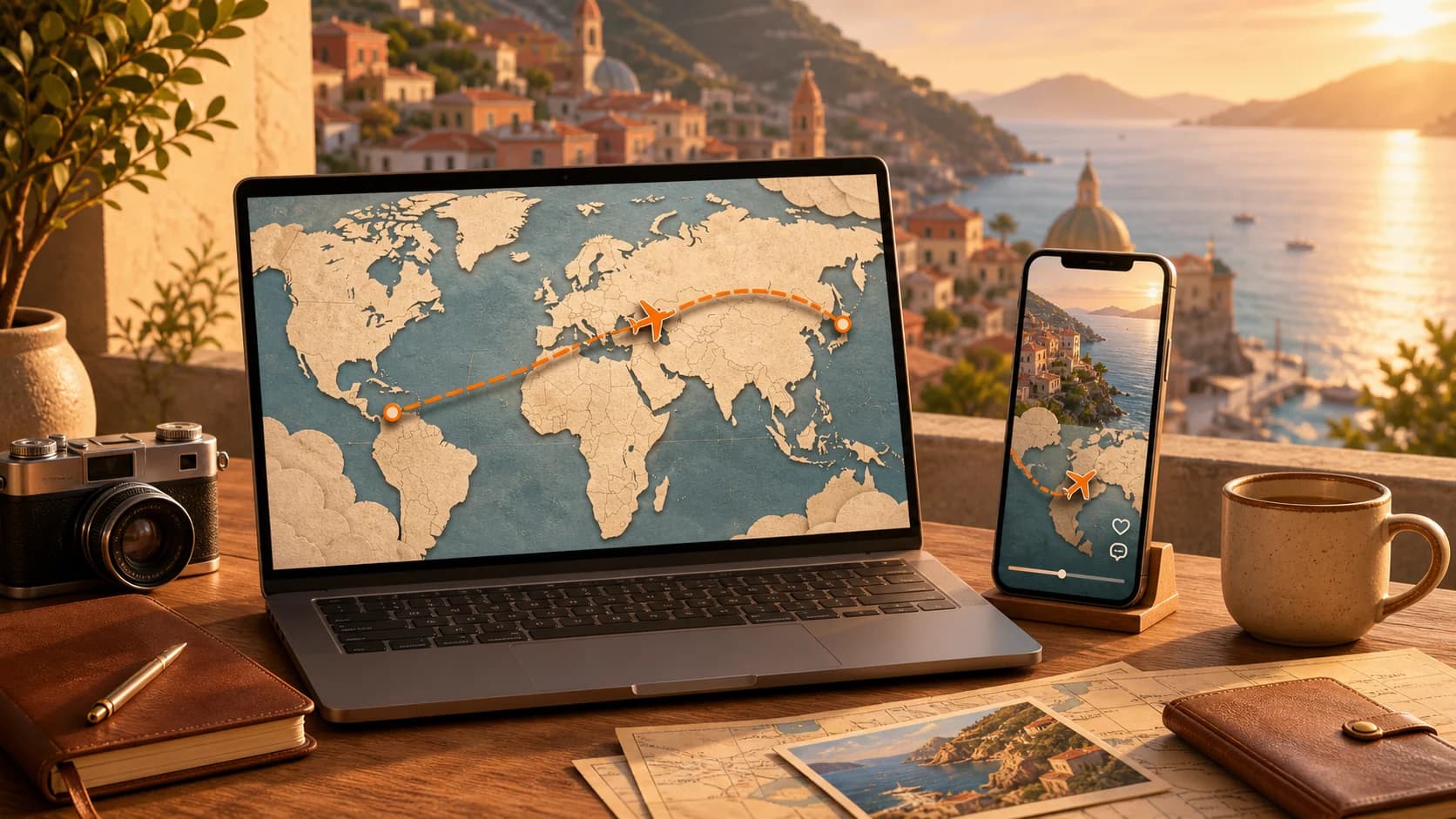
Une bonne vidéo de voyage ne montre pas seulement de beaux lieux. Elle aide le public à comprendre où commence l'histoire, comment le trajet évolue et pourquoi la prochaine étape compte. Une carte animée peut transmettre tout cela en quelques secondes sans ralentir le montage.
Pourquoi les cartes animées sont efficaces
Le public ne connaît pas toujours votre itinéraire. Une animation courte donne immédiatement le départ, la destination, la distance et la direction. Les images suivantes deviennent plus faciles à suivre.
La carte crée aussi une transition naturelle. Au lieu de passer brutalement d'un aéroport à un village de montagne, montrez le trajet puis le plan d'arrivée.
- Ouvrez une longue vidéo YouTube avec le voyage complet.
- Utilisez deux à quatre secondes entre deux destinations.
- Ajoutez une carte avant un vol, un train, une frontière ou une étape routière.
- Gardez le même style visuel dans toute une série.
Planifier l'itinéraire avant de l'animer
Écrivez une suite simple, par exemple : aéroport de Lisbonne, Sintra, Porto, vallée du Douro. Conservez les étapes utiles au récit et retirez les détours qui surchargent la carte.
Donnez un objectif à chaque clip. Une vue générale répond à « Où allons-nous ? », une transition à « Comment y sommes-nous arrivés ? » et un zoom à « Où se trouve ce lieu dans la région ? »
- Utilisez des noms courts que le public peut rechercher.
- Choisissez avion, voiture, bus, bateau ou marche selon le trajet.
- Prenez une couleur contrastée visible sur téléphone.
- Gardez une animation courte pour préserver le rythme.
Créer la route animée
Dans Animated Map Generator, choisissez la zone visible, placez un objet de voyage et tracez la route directement sur la carte. Ajustez ligne, mouvement, libellés, durée et format.
Prévisualisez au format réellement regardé. Une ligne élégante sur grand écran peut disparaître dans un flux vertical. Agrandissez les informations importantes et évitez les bords.
- 16:9 pour YouTube et les documentaires.
- 9:16 pour TikTok, Shorts et Reels.
- MP4 pour une transition animée.
- PNG pour un aperçu fixe, une miniature ou un carrousel.
Adapter une route à chaque plateforme
YouTube laisse respirer la carte. Une introduction de cinq à huit secondes peut présenter l'itinéraire, puis de courts clips séparent les chapitres. La voix peut expliquer la distance, la météo ou le choix d'une route.
TikTok, Shorts et Reels exigent une compréhension immédiate. Commencez par la carte si l'itinéraire est l'accroche : « Trois pays en train ». Utilisez un tracé épais, peu de libellés et un mouvement immédiat.
- YouTube : ouverture complète et transitions de chapitres.
- Instagram Reels : route entre des plans forts.
- TikTok : distance, direction ou nombre d'étapes surprenant.
- Carrousels : carte fixe comme résumé.
Mettre la carte au service du récit
La carte doit répondre à une question plutôt que décorer. Expliquez pourquoi un ferry a fait gagner une journée ou pourquoi deux villes proches ont demandé un long détour.
Accordez le style aux images : couleurs chaudes pour un vlog détendu, contraste net pour un guide d'itinéraire.
- Citez les lieux dans la voix, les sous-titres, le titre et la description.
- Décrivez le trajet dans le texte pour les moteurs de recherche et de réponse.
- Ajoutez transport, durée, étapes et région.
- Rédigez un texte alternatif descriptif pour une carte fixe.
Liste de contrôle avant publication
Regardez la route sans le son. Le départ, la destination, le mouvement et l'arrivée doivent rester clairs. Vérifiez ensuite les libellés sur téléphone.
Soyez précis dans le texte. « Sept jours en train de Paris à Rome » est plus utile que « Notre aventure européenne » pour les humains comme pour les moteurs génératifs.
- La première image situe le lieu.
- La route contraste avec le fond.
- Les libellés sont lisibles sur mobile.
- Le format correspond à la plateforme.
- La légende nomme la route et les étapes.
- Le clip conserve le rythme.
Questions fréquentes
Quelle durée pour une carte animée ?
Deux à quatre secondes suffisent souvent pour une transition. Une présentation complète peut durer cinq à huit secondes si la narration apporte du contexte.
Quel format utiliser pour les réseaux sociaux ?
Utilisez 16:9 pour YouTube et 9:16 pour TikTok, Instagram Reels et YouTube Shorts. Vérifiez toujours les libellés au format téléphone.
Puis-je réutiliser la même carte ?
Oui. Gardez la route et l'identité visuelle, mais exportez des versions horizontale et verticale avec un cadrage adapté.